
Best for: Viewers who want many payment options, two-step login security and lower-cost group or ticketed shows.
- Desktop browser: ✓Yes
- Cam2cam: ✓Yes(3rd-party)
- HD streaming: ✓Yes(3rd-party)
Short answer
All 15 platforms in the directory have official confirmation of desktop-browser access. Desktop mainly matters for features that benefit from a computer: cam2cam with a webcam, recorded on all 15 platforms, and HD viewing on a large screen, recorded on 14 (SkyPrivate does not list HD).
Platform data checked: 19 October 2026Editorial review: pending human reviewHow we evaluate
Since desktop access is universal, this page does not separate platforms by whether they work on a computer. It looks instead at what a computer changes in practice and which platforms document those features.
Primary: Desktop browser
Every listed platform has official confirmation of desktop access, so this criterion confirms the baseline rather than separating platforms.
Cam2cam
Cam2cam is the feature most improved by a computer with a webcam, so it shows which platforms make use of a desktop setup.
HD streaming
HD streams benefit most from a large screen and a wired or stable connection, which desktop users are more likely to have.
Platforms are listed in a mechanical order: those with a sourced 'yes' on the page's primary criterion first, then by how many of the page's criteria they meet on sourced data, then by how many facts we could source overall. It is not a quality ranking, and no commercial relationship affects it.
| # | Platform | Desktop browser | Cam2cam | HD streaming | Met |
|---|---|---|---|---|---|
| 1 | ImLive | ✓Yes | ✓Yes(3rd-party) | ✓Yes(3rd-party) | 3/3 |
| 2 |  Cams.com Cams.com | ✓Yes | ✓Yes | ✓Yes | 3/3 |
| 3 |  CAM4 CAM4 | ✓Yes | ✓Yes(editorial) | ✓Yes(3rd-party) | 3/3 |
| 4 |  LivePrivates LivePrivates | ✓Yes | ✓Yes | ✓Yes | 3/3 |
| 5 |  Jerkmate Jerkmate | ✓Yes | ✓Yes | ✓Yes(editorial) | 3/3 |
| 6 |  MyFreeCams MyFreeCams | ✓Yes | ✓Yes(editorial) | ✓Yes(editorial) | 3/3 |
| 7 |  Flirt4Free Flirt4Free | ✓Yes | ✓Yes(3rd-party) | ✓Yes(3rd-party) | 3/3 |
| 8 |  Streamate Streamate | ✓Yes | ✓Yes(3rd-party) | ✓Yes(editorial) | 3/3 |
| 9 |  Stripchat Stripchat | ✓Yes | ✓Yes(editorial) | ✓Yes(editorial) | 3/3 |
| 10 |  Chaturbate Chaturbate | ✓Yes | ✓Yes(editorial) | ✓Yes(editorial) | 3/3 |
| 11 |  LiveJasmin LiveJasmin | ✓Yes | ✓Yes(editorial) | ✓Yes(editorial) | 3/3 |
| 12 |  CamSoda CamSoda | ✓Yes | ✓Yes(editorial) | ✓Yes(editorial) | 3/3 |
| 13 |  Amateur.tv Amateur.tv | ✓Yes | ✓Yes(editorial) | ✓Yes(editorial) | 3/3 |
| 14 |  BongaCams BongaCams | ✓Yes | ✓Yes(editorial) | ✓Yes(editorial) | 3/3 |
| 15 |  SkyPrivate SkyPrivate | ✓Yes | ✓Yes | ?Not listed | 2/3 |
Best for: Viewers who want many payment options, two-step login security and lower-cost group or ticketed shows.
Best for: Viewers who want published group-show prices, many interface languages and well-documented account rules.

Best for: Viewers who want free public chat and messaging, and the option of paying by PayPal or crypto rather than card.
Best for: Viewers focused on one-to-one private shows who want a discreet billing descriptor and many interface languages.
Best for: Viewers who want guided matching with performers and the same per-minute model and safeguards as Streamate.
Best for: Viewers who like a chat-community style public room and want to watch as a guest before buying tokens.
Best for: Viewers who want free public rooms plus a membership that bundles recorded shows and videos.
Best for: Viewers who prefer paying per minute for one-to-one shows and want cam2cam and a spending cap.
Best for: Viewers curious about VR cam streams who also want free public rooms without registering.
Best for: Viewers who want to watch public shows for free and decide later whether to tip or pay for a private show.
Best for: Viewers who prefer a paid, credit-based premium model over open token rooms, and who will check credit prices on the site.
Best for: Viewers specifically interested in interactive toy shows and VR streams who are prepared to check prices on the site itself.
Best for: Spanish-speaking viewers who want a platform whose interface is built for Spanish first.
Best for: Viewers who already know BongaCams and want a neutral record of which facts about it can be verified.

Best for: Viewers who only want one-to-one private calls and value crypto payments and a clearly documented refund rule.
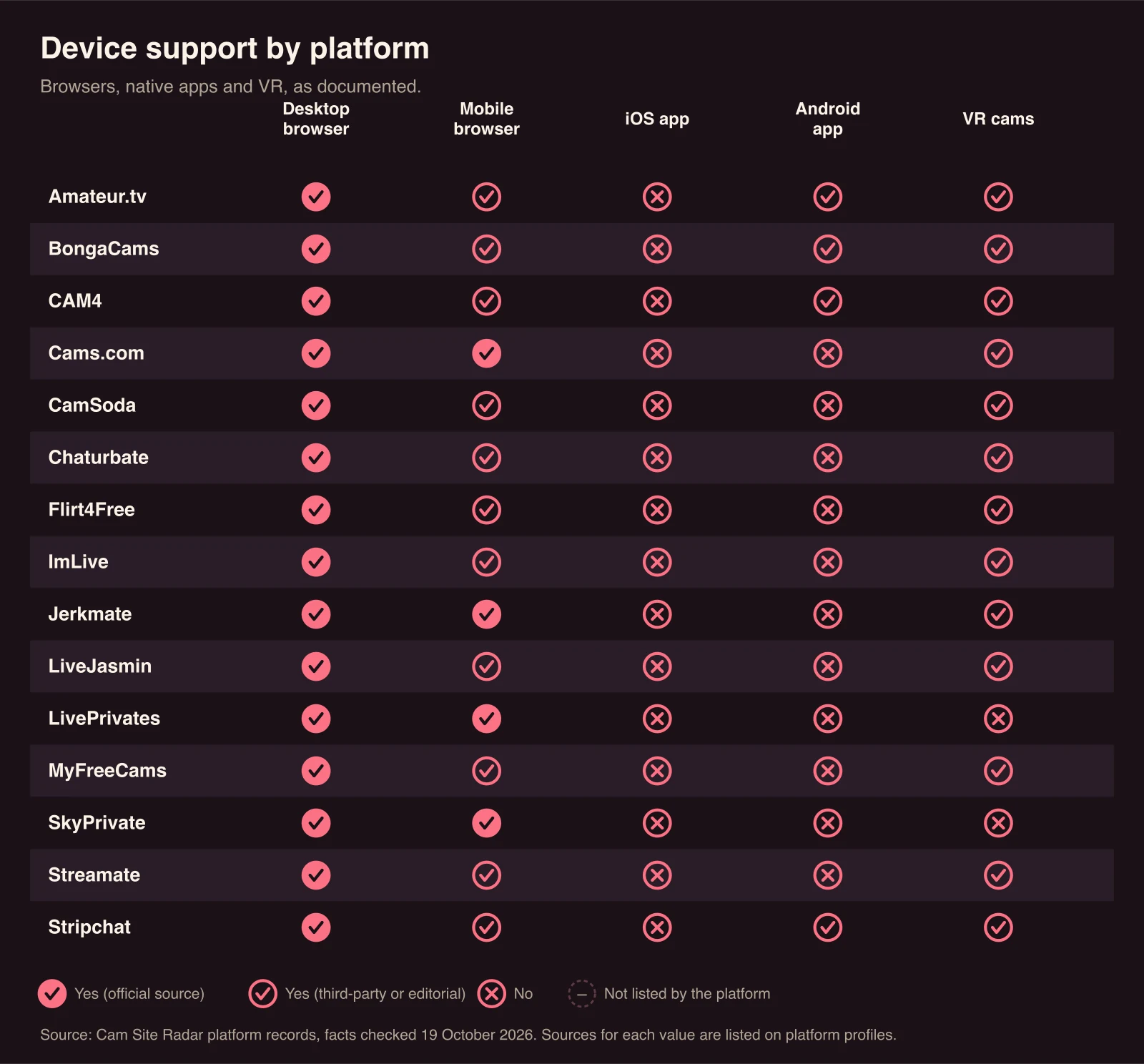
All 15 platforms are recorded as offering cam2cam, the feature that sends your own video to the performer during a session and that is easiest to use with a computer and webcam. Cam2cam is sourced on Cams.com, SkyPrivate, Jerkmate and LivePrivates (official pages) and on Streamate, Flirt4Free and ImLive (third-party reviews), and our editorial review records it for the other eight: Chaturbate, Stripchat, CamSoda, BongaCams, LiveJasmin, MyFreeCams, CAM4 and Amateur.tv.
Cam2cam details differ by platform: Cams.com states that only the performer sees the user’s camera; Streamate’s reviewers note the performer may decline the request; ImLive is reported to offer an audio-only option.
On SkyPrivate the cam2cam call itself runs through Microsoft Teams, Discord, Telegram or its own SP Chat, and its help pages document a desktop download for Windows and Mac. A desktop setup gives you a fixed camera position and easier control over which camera and microphone the browser can access.
Fourteen of the 15 platforms are recorded with HD streams; SkyPrivate does not list HD. HD support is documented on Cams.com (an HD icon on shows) and LivePrivates (an “HD Quality” filter), and reported by third parties for CAM4 (an HD tab), Flirt4Free (an HD filter and automatic 720p option) and ImLive. Our editorial review records HD for Chaturbate, Stripchat, CamSoda, BongaCams, LiveJasmin, MyFreeCams, Streamate, Jerkmate and Amateur.tv.
Whether a given cam stream is HD still depends on the performer’s camera and connection, and a larger monitor makes the difference more visible.
Desktop layouts suit browsing several cam rooms at once. ImLive is reported to offer a multi-view of up to six hosts in its free area. For other platforms, multi-room or pop-out players were not documented in the sources read.
A separate browser profile keeps cam site cookies, saved logins and history apart from your everyday browsing. Check which sites have camera and microphone permission in your browser settings, and revoke it when you no longer use cam2cam.
No. All 15 platforms work in a desktop browser. SkyPrivate is a partial exception in that shows run as calls through Microsoft Teams, Discord, Telegram or its SP Chat, which it also offers as a Windows and Mac download.
The performer can see you during cam2cam only if you turn your camera on and grant the browser permission. Cams.com’s FAQ states that in cam-to-cam only the performer sees the user, not other members; that detail was not documented for the other platforms.